
What is Level.IO?
Level.IO is the software Just406 uses to manage your machines. It allows me to remotely connect and support you along with making sure the computer is up to date and has all the software it should installed.
How do I install it?
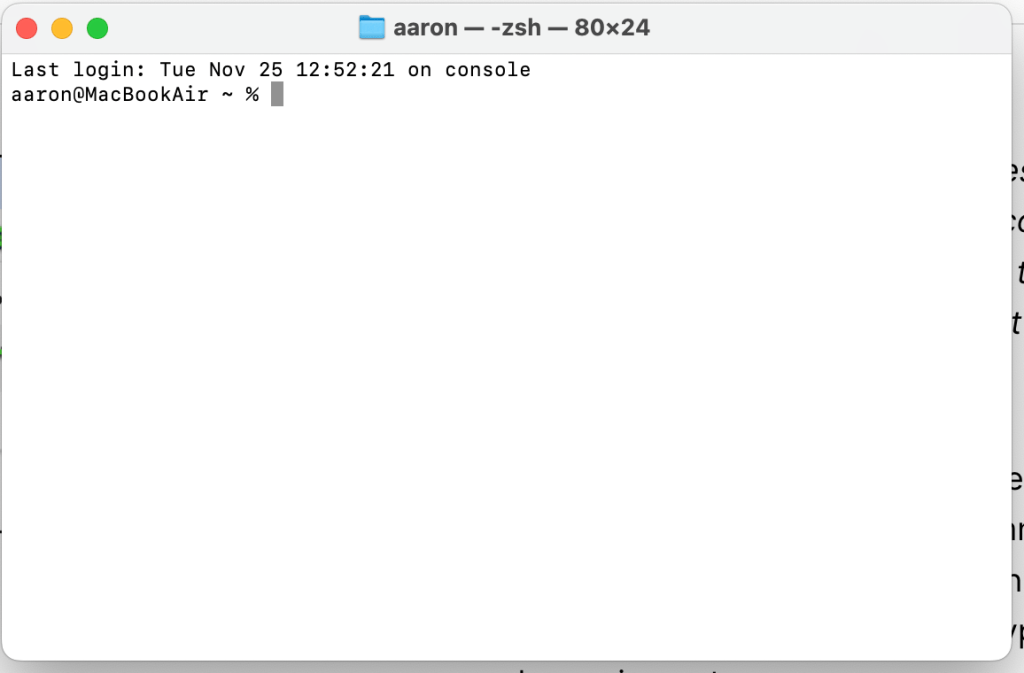
For Mac computers, you should have an email from me with a command – copy this command and open Terminal on your Mac. You can open Terminal by pressing command + space, then typing terminal and pressing enter.

Next, right click in the terminal window and select paste, then press enter
When prompted, enter your password and press enter.

The following screen will appear – select Open System Settings
In the screen that opens, find Level and click the slider to allow this permission.

You will likely be prompted for your password.
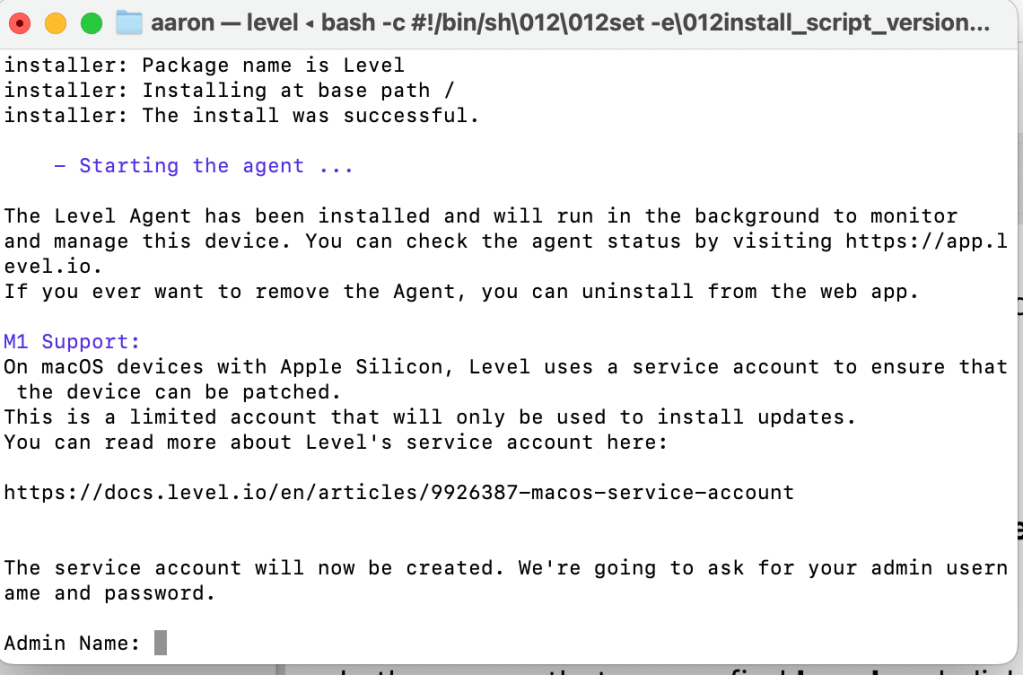
Finally, back in the terminal window, you will be prompted to create a service account – please enter your username and password so Level can create this account.
After you enter your credentials, you will see this window appear:
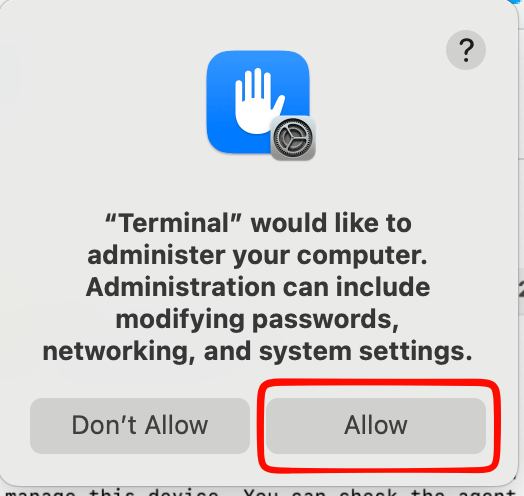
Make sure to hit Allow.
That is it! You’ve successfully installed Level!
 JUST406