
What is Google Credential Provider for Windows (GCPW)?
GCPW syncs up your company Google account (Like you use for your email) with your windows login, making them the same! This not only saves you from remembering another password, but it also makes your laptop more secure!
How do I use it?
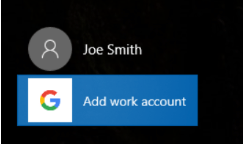
As seen on the screenshot to the left, on your main Windows login screen you will see an option to Add work account.
Next, select the arrow indicated in the screenshot to the right.
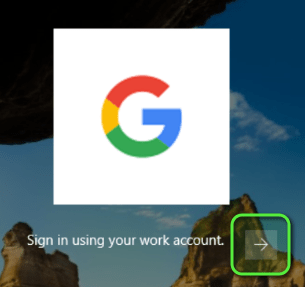

You’ll next be prompted to login to your google account.
A few important notes:
– You must use your company email. Your personal email (like anything with @gmail.com at the end) will not work.
– After you sign in, your login will be saved. The next time you go to sign in, you will see your name.
– If multi factor authentication is setup on your account, you may be prompted for it. See this article for more information.
 JUST406